Why start with public data?
Uploading private scans is a bad first step for many people. There is de-identification, local policy, upload time, and the simple question of whether the tool is even worth trying. Public datasets remove that friction.
In MedSeg, public cases are not just thumbnails. They are real image series. You can preview them, copy them into a project, open them in the editor, create or review masks, measure labels, export files, and use corrected masks for training when the dataset license allows it.
The useful loop is simple: find a public case, copy it into a project, inspect or create masks, correct the labels, measure volumes, export, then repeat on more cases.
1. Choose a dataset that matches the question
The catalog is most useful when the question is concrete. Pick by modality, anatomy, pathology, label availability, and license. Dataset size alone is usually the wrong first filter.
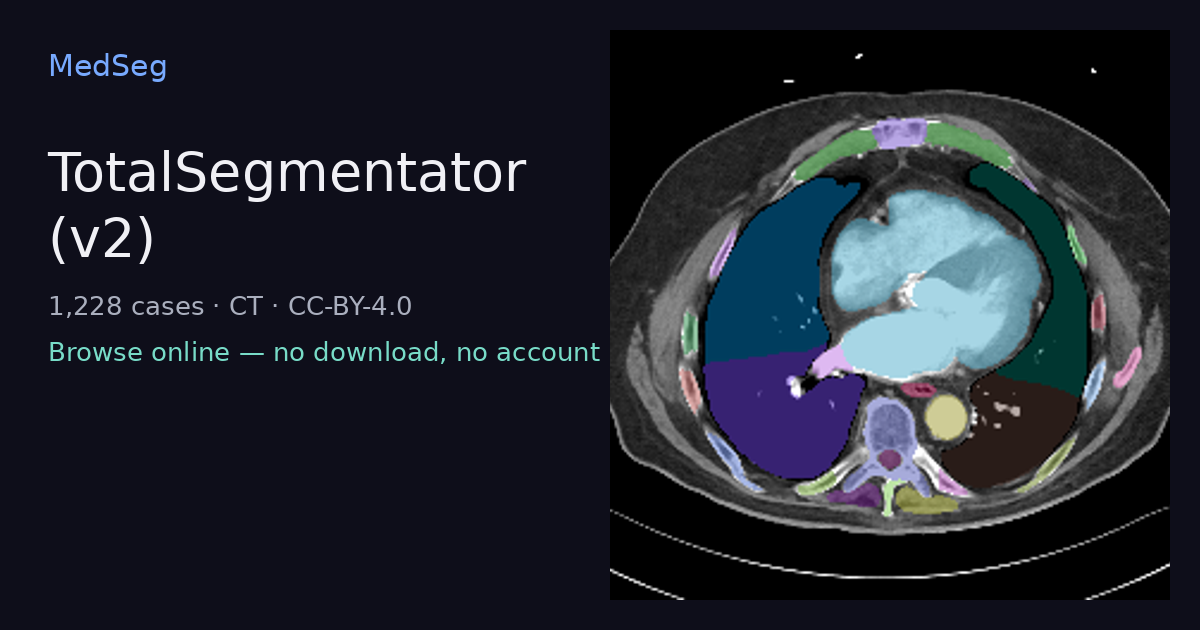
- TotalSegmentator v2: 1,228 CT cases with 117-structure reference segmentations. Good for whole-body anatomy, label review, and TotalSegmentator comparisons.
- LIDC-IDRI: 1,010 lung CT scans with nodule markups. Good for lung nodule segmentation practice and radiology annotation.
- ReMIND: brain tumor MR and intra-operative ultrasound cases. Good for multi-modal neuro-oncology work.
- AMOS22: 500 CT and 100 MRI abdominal scans with organ labels. Good for multi-organ abdominal CT/MR segmentation.
2. Preview before copying
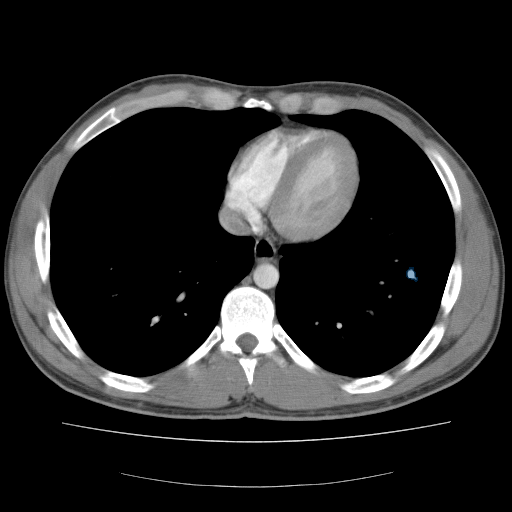
Open the dataset detail page and inspect a demo case. Check image quality, modality, visible target, label availability, and license notes before adding anything to your workspace.
For a first tutorial, choose a case with obvious anatomy and reference masks. Do not make the first recording a difficult edge case. The point is to show the route through the app clearly.
3. Copy the case into a project
Once copied, the public case behaves like a normal project series. The next actions are the same as for uploaded DICOM or NIfTI data: open the editor, run models, save masks, calculate volumes, export, and mark masks for training.
If the dataset includes reference masks, copy them too. They are useful for comparison, correction practice, and training demos.
4. Run a model or review reference masks
For broad CT anatomy, start with TotalSegmentator. For a target that is visible but not covered by a fixed model class, use nnInteractive. For repeated work across a cohort, use corrected masks as inputs for custom nnU-Net training.
The important part is that model output is not treated as final. In MedSeg, it becomes an editable mask. You can turn labels on and off, lock finished labels, correct errors, merge masks, and compare outputs inside the same project.
5. Measure and export
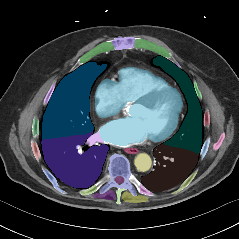
After reviewing a mask, use measurements or volume analysis to check whether the output is plausible. For export, choose the format based on the next tool:
- NIfTI masks for Python, nnU-Net, and research pipelines.
- DICOM SEG when the downstream viewer understands DICOM segmentation objects.
- DICOM overlay bundles or PDF reports when the goal is workstation review rather than model training.
See the DICOM segmentation page for a format-focused explanation.
6. Use corrected masks for training
The next step after a few corrected cases is custom training. Mark reliable masks as training sources, choose 2D or 3D nnU-Net, train inside the project, then run the trained model on held-out cases. Public data makes this easier to demonstrate because every reader can start from the same type of case.
For a first training tutorial, use a small set of similar cases with one clear target. Do not start with a heterogeneous multi-organ problem unless the point of the article is failure analysis.
License, validation, and clinical caution
Open data still has terms. Dataset licenses, model licenses, and MedSeg's own research-use terms are separate. Check all three before using a dataset in a paper, a shared model, or a commercial project.
MedSeg is not a medical device. It is for research and education, not diagnosis, screening, prognosis, treatment planning, or patient management. Every generated mask should be reviewed for the specific research task.
Try it
Start with the public dataset catalog, choose a CT or MRI case, copy it into a project, and then run one model or inspect one reference mask. Keep the first session small: one case, one target, one export.