DICOM SEG export
Upload or copy a DICOM-derived series, create a mask, inspect it, and export DICOM SEG plus NIfTI.
Short guides for getting from a scan to a mask, a measurement, a model run, or an export. The point is to show the actual route through the app, not just announce features.
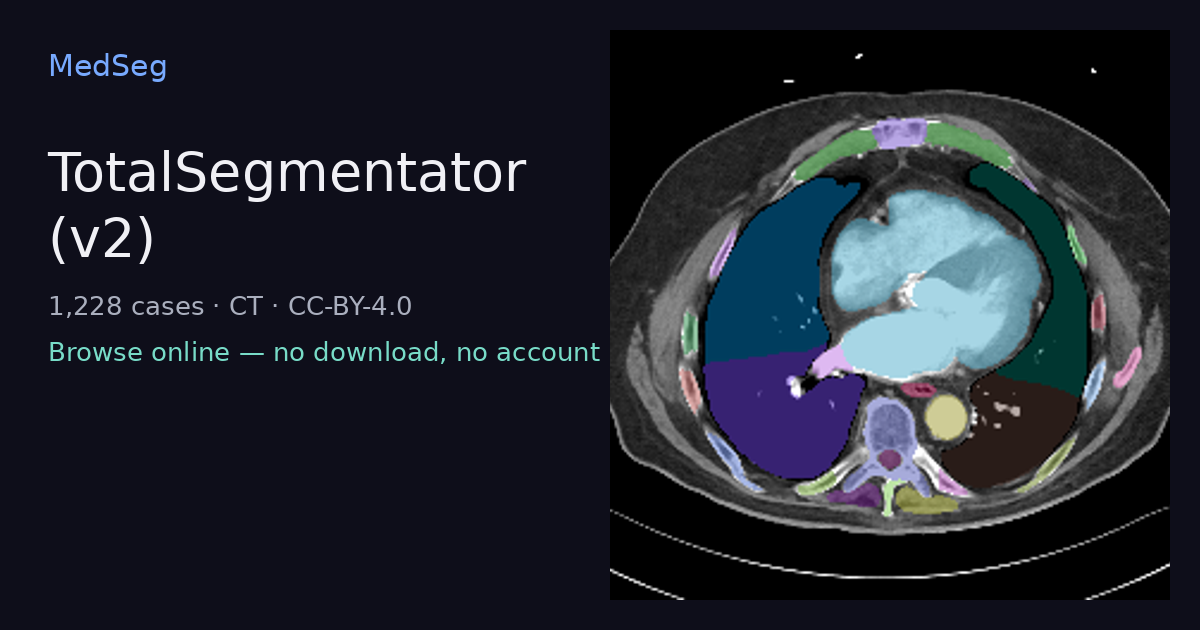
Start with public cases, then walk through the actual segmentation workflow.
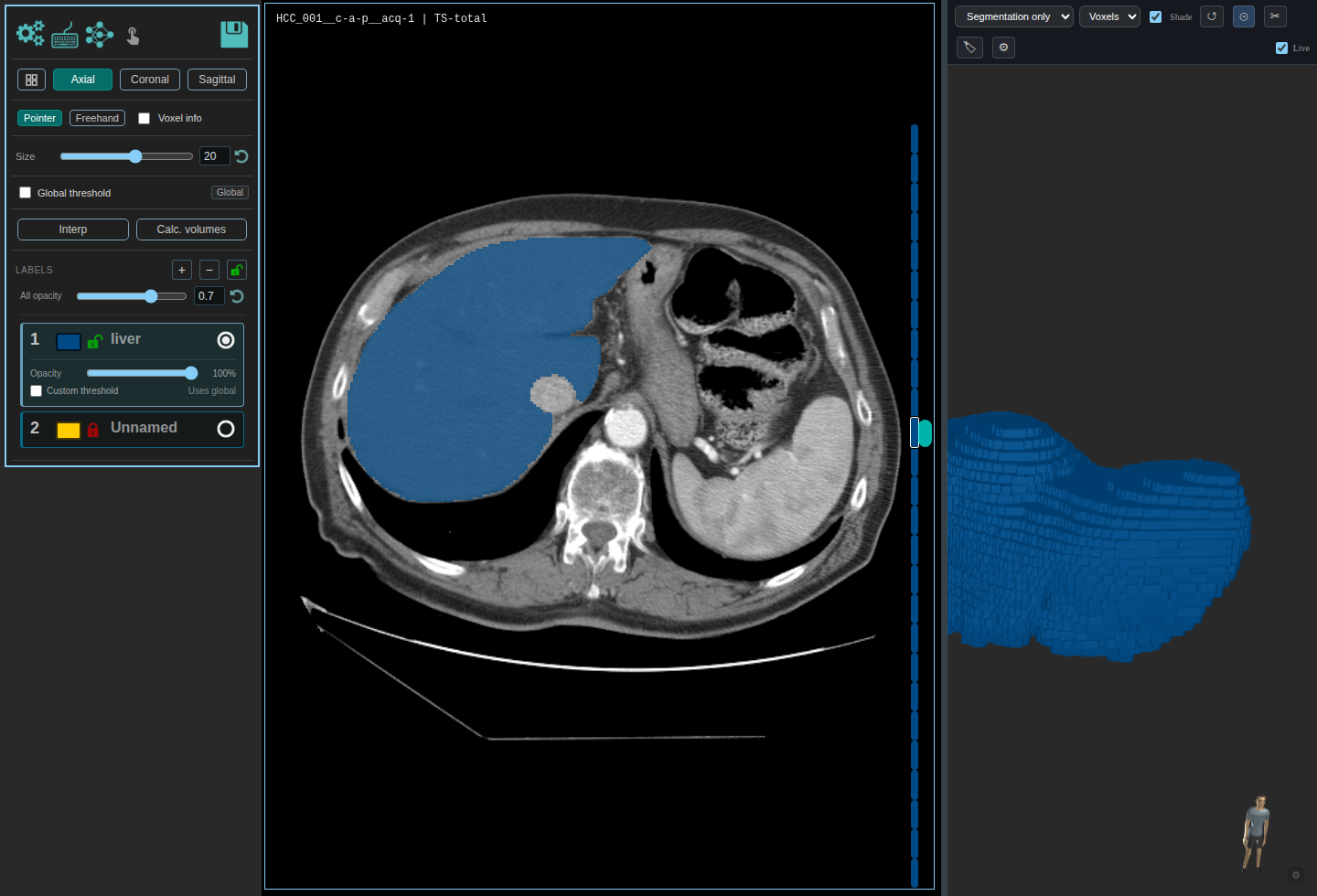
Copy an HCC-TACE-Seg CT case without reference masks, run TotalSegmentator liver, inspect the result, calculate volume, and export it.
Start with an open CT or MRI case, copy it into a project, inspect masks, run a model, fix labels, review volumes, and export the result.
Each article should answer one concrete segmentation question and point to a page where the reader can try it.
Upload or copy a DICOM-derived series, create a mask, inspect it, and export DICOM SEG plus NIfTI.
Run broad CT/MR segmentation or a focused subtask, then edit labels and measure outputs before trusting the result.
Correct a small set of masks, mark them as training sources, train a project model, and run it on held-out cases.