DICOM segmentation online, from upload to export
MedSeg accepts DICOM and NIfTI imaging, creates editable multi-label masks, and exports research-friendly files or DICOM-compatible bundles for review workflows.
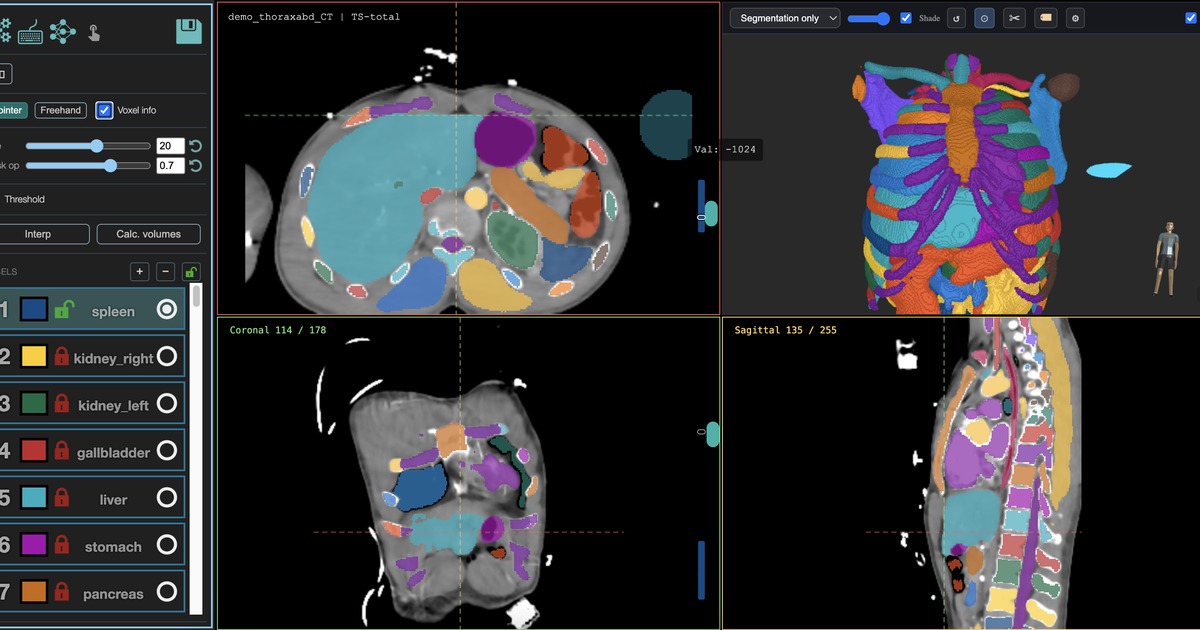
Export options
Different tools expect different representations, so MedSeg exposes several outputs.
| Export | Use when | Notes |
|---|---|---|
| NIfTI mask | You need simple research files for scripts, Python, or downstream ML. | Compact, easy to version, and natural for nnU-Net workflows. |
| Grayscale DICOM series | You want broad PACS compatibility. | One DICOM file per slice with mask values as integers. |
| RGB overlay DICOM | You want a visual overlay with fixed colors. | Color is burned into the output at export time. |
| DICOM SEG | You want a standards-based segmentation object. | MedSeg bundles a source image series so the overlay has a study to register to. |
| DICOM PDF report | You need a quick volume or model report at the workstation. | Available for volume reports and model reports where metadata exists. |
Typical DICOM workflow
- Upload DICOM or a ZIP of DICOM files.
MedSeg converts the imaging series into a project volume while preserving practical metadata for review. - Create masks.
Use pretrained AI, nnInteractive, VoxTell, manual tools, or custom trained models. - Inspect and correct labels.
Review all slices, lock finished labels, and measure volumes before export. - Export the right format.
Choose NIfTI for research pipelines or DICOM-compatible bundles for workstation review.
Why DICOM SEG matters
DICOM SEG is the DICOM segmentation object for pixel-based labels that reference source images. It is useful when a downstream system understands segmentation objects rather than only screenshots or burned overlays.
Why NIfTI still matters
Most research segmentation pipelines, including nnU-Net, are easiest to automate with NIfTI images and labelmaps. MedSeg supports both worlds because projects often need both.
Clinical caution
Export support does not make MedSeg a clinical product. DICOM outputs are for research and review workflows. Do not use MedSeg masks for patient diagnosis, treatment, screening, or prognosis.